Backorder vs Preorder: What Each Means Before You Buy

A preorder is for a product that has not been released yet. A backorder is for a product that is already on the market but is temporarily out of the seller’s stock. Both mean you pay or commit now and wait for shipment. “In stock” means the item is available and ships right away. Listings on DigiWrld run on a live inventory system, so the products shown are in stock, with no waiting on a restock date.
The labels look similar on a product page, but they point to different risks. A preorder depends on a release date. A backorder depends on a restock date. Knowing which one you are looking at tells you what to check before you click buy.
TL;DR
- Preorder: the item has a scheduled release date and the seller takes orders ahead of it.
- Backorder: the item has already been released, is temporarily out of stock, and ships when the seller restocks.
- In stock: the item is available and ships once payment and address are checked. DigiWrld’s live inventory keeps listings tied to what is on hand.
- Out of stock: no confirmed restock, and usually no way to order.
- Your rights: under the FTC’s rule for mail, internet and phone orders, a seller must ship within the promised time, or within 30 days if none was stated. If it cannot, it must tell you and offer a refund.
Table of Contents
- Backorder vs preorder at a glance
- What a preorder means
- What a backorder means
- What “in stock” means
- Backorder vs out of stock
- Backorder vs backlog
- Is it “backorder” or “back order”?
- When you are charged
- Your rights on a delayed order in the US
- Worked example: a GPU preorder vs a backordered laptop
- Checklist before ordering a preorder or backorder
- Where DigiWrld fits
- Perspective
- FAQ
- Sources
Backorder vs preorder at a glance
The quickest way to separate the two terms is to ask whether the product has launched.
| Preorder | Backorder | In stock | Out of stock | |
|---|---|---|---|---|
| Has the product launched? | No | Yes | Yes | Yes or no |
| Is it available to ship now? | No, ships at release | No, ships at restock | Yes | No |
| Can you place an order? | Yes | Yes | Yes | Usually not |
| Date you can count on | Release date | Estimated restock date | Shipping starts after purchase | None confirmed |
| Main risk | Release slips | Restock slips | Low | Item may never return |
One national retailer’s help center puts the split plainly: a pre-order is for an item with a scheduled release date, while a backorder is for an item already released but not currently in stock, with more inventory ordered from the vendor. Microsoft’s order-management documentation draws the same line. It describes a backorder as an order for a product that can’t be immediately fulfilled due to lack of supply, and a preorder as an order placed before a product is released.
Some pages treat the two as the same thing, since in both cases you wait for inventory to arrive. The difference matters in practice because the reason for the wait is different, and so is the information you can use to judge it.
What a preorder means
A preorder is a reservation for something that does not exist in stores yet. Common examples in tech and gaming are a new console generation, a graphics card launch, a phone announced at an event, or a game with a set release day.
What you get from a preorder:
- A place in line. The seller takes your order before launch so the unit is set aside for you.
- A target date. The release date is usually announced by the manufacturer, not the retailer.
- Immediate delivery at launch. According to Microsoft’s documentation, preorders let manufacturers gauge demand and size initial production runs, while customers get guaranteed immediate delivery when products are released.
What can go wrong: the manufacturer delays launch, the initial allocation is smaller than the number of preorders, or the price or bundle changes before release. Before you preorder, find out whether you are charged at order time or at shipment, and whether you can cancel freely until it ships.
What a backorder means
A backorder is a sale of something the seller does not have on the shelf right now but expects to get. The product exists and is being made or held by a distributor. Investopedia describes a backorder as an order that cannot be fulfilled immediately because of a temporary shortage of stock, with the item still being produced and delivered later.
The seller usually shows an estimated availability date. One manufacturer’s product-status page notes that expected-availability dates are estimates, not guarantees, and that backorders are automatically canceled if the product is not available within 45 days. That cancellation window is that company’s own policy, so every store sets its own.
Backorder timing varies widely. A footwear maker’s support page shows estimated shipping windows of 1 to 12 weeks on backordered items that can change, and items with a restock further out than that are listed as out of stock and cannot be ordered. For a gaming GPU or a laptop, that spread matters. A date “in two weeks” that turns into two months changes whether the purchase still makes sense.

Why items get backordered
The causes are on the supply side: demand running ahead of what was produced or ordered, a delayed shipment from the manufacturer or distributor, or a seller deliberately holding less stock. Investopedia notes that backorders indicate demand surpasses supply. For you as a buyer, the cause matters less than the estimated date and the seller’s willingness to update you.
What “in stock” means
In stock means the item is physically available to the seller and can ship immediately. It is not a promise that the box leaves the same minute. A retailer’s availability page explains that in-stock orders begin shipping once the item is located, payment is approved and the address is verified. The same page says backordered items are shipped directly to the customer once back in stock, with email status updates.
That gap in wording is the practical difference. With in stock, the only wait is processing and carrier time. With a backorder, there is an extra, uncertain wait before processing even begins.
A store’s in-stock label is only as good as its inventory data. If the system updates slowly, a product can show as available and then flip to backordered after you pay. DigiWrld addresses this with a live inventory system built so that every listing is in stock. Browse the MacBook Pro M4 or the RTX 5070 PNY OC 12GB pages, for example, and the product shown is the product on hand.
Backorder vs out of stock
The two are often confused because both mean “not available right now.” The difference is whether you can still buy.
- Backordered: you can order, and the seller commits to fulfill it once stock returns.
- Out of stock: the seller is not accepting orders, and there may be no restock plan.
Investopedia adds that a company may keep a product out of stock if it does not wish to sell more units, while a backordered product is more likely to return after a temporary delay. A footwear brand’s page uses a clear rule of thumb: items restocking more than 12 weeks out or discontinued are listed as out of stock and cannot be ordered.
For a buyer, a backorder tag is a mildly good sign: the seller expects the item back. An out-of-stock tag with no date means you should look for an in-stock alternative rather than wait.
Backorder vs backlog
People also search for the difference between a backorder and a backlog. A backorder is an accepted order for an item the seller has run out of. A backlog is every order received but not yet shipped, for any reason, including staffing or processing delays. Every backorder sits in the backlog, but most backlog is not backorders. One supply-chain guide frames it as a stock problem versus a capacity or process problem. As a shopper, you only need the first term: a backorder is the wait caused by missing stock.
Is it “backorder” or “back order”?
In American English, both forms appear. The Cambridge Dictionary lists “back order” with the note that in the US it is also “backorder”. Store pages commonly use the one-word form as noun and verb.
When you are charged
Payment timing is the detail that differs most between stores, so read it before you order.
- Some retailers do not charge until the item ships. One retailer states that customers are not charged for backorder items until they ship, and that a temporary debit-card authorization may show at order confirmation and then drop off.
- A footwear maker says the card authorization clears within 3 to 5 business days and the charge appears only when the item restocks and ships.
- Other stores charge at checkout. Shopify’s guidance notes that merchants can process back-order payment at order placement, at shipment, or even at delivery.
An authorization is a temporary hold on your card for the amount, not a final charge. If a store charges at checkout for a preorder or backorder, your money is tied up until shipment, so the refund terms matter more.
Your rights on a delayed order in the US
Federal rules protect buyers who order online, by phone or by mail. The FTC’s Mail, Internet, or Telephone Order Merchandise Rule is the one that applies. Its notice in the Federal Register of April 25, 2025 describes the main points:
- A seller needs a reasonable basis for the shipping time it states, and if it states none, a 30-day shipment period is implied.
- If it cannot ship on time, it must notify you and get your consent to the delay.
- If you cancel, or the seller cannot meet the rule, it must make a prompt, full refund.
A state attorney general’s consumer guide explains the practical result. If a company can’t ship in time, it must give you the option to wait or get a refund, and cannot substitute store credit for a refund. It adds that credit card accounts must be credited within one billing cycle. The same guide says to dispute the charge with your card company and report the problem to your state attorney general if a merchant refuses to refund.
These rules cover shipping and refunds, not whether a store’s estimated date turns out to be right. They also apply to the original order, so a preorder placed months before launch is judged against the date the seller promised you.
Worked example: a GPU preorder vs a backordered laptop
Say you want a new graphics card for a gaming build.
Case 1, preorder. The card is announced for a launch date next month. A store lets you reserve one. You pay now. The date moves by two weeks. You get a delay notice, and you can wait or cancel for a refund. The key questions were whether your card was charged at checkout and whether the store would cancel freely.
Case 2, backorder. A laptop released last spring is listed with an estimated ship date six weeks away. The estimate changes to ten weeks. Here the product is certain, but the date is not. The decision is whether the original need still holds, such as a school start date or a work deadline.
Case 3, in stock. A listing shows the item on hand. You order, payment clears, and it ships. This is the only case where the date is not a gamble.

If your timeline is fixed, in stock is the only status that fits. If you can wait and want the newest release, a preorder may suit you. A backorder fits a buyer who wants a specific model and has slack in the schedule.
Checklist before ordering a preorder or backorder
- Status label. Is it a preorder, a backorder or out of stock? Look at the product page, cart and confirmation email, since they may differ.
- Ship date and its source. Is the date the manufacturer’s release date or the store’s estimate? Treat estimates as estimates.
- When you are charged. At checkout, at shipment, or a hold only. See the payment section above.
- Cancellation terms. Can you cancel before shipment, and how fast is the refund?
- Shipping cost. Shipping fees can apply per item. DigiWrld’s published shipping fee is $12 per item.
- Condition and authenticity. A preorder or backorder should still be brand new and authentic. DigiWrld lists brand new, authentic products.
- Notifications. Does the store email you when the estimate changes?
Where DigiWrld fits
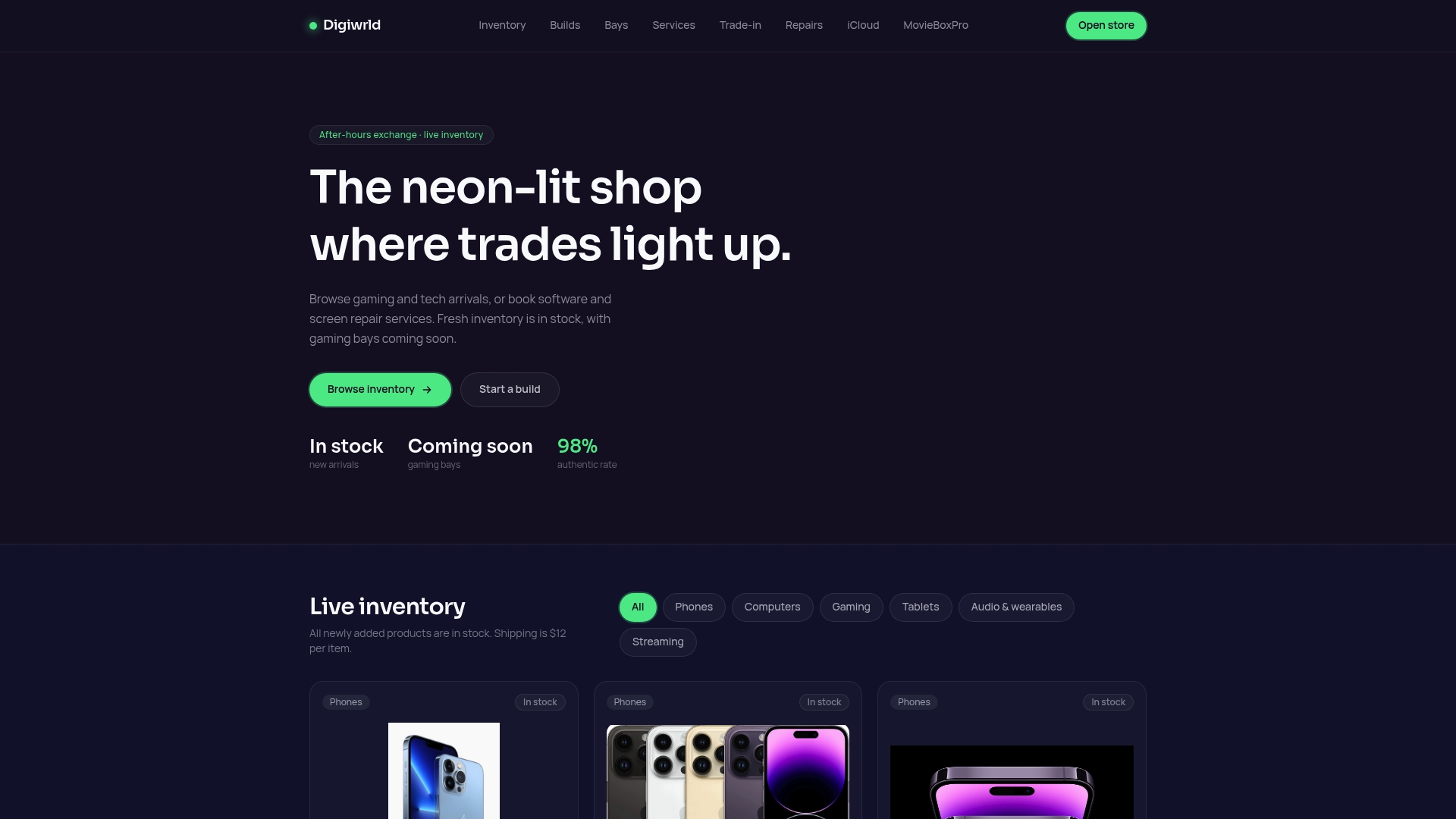
DigiWrld is an online store and service provider for gaming and tech products. The catalog covers phones, computers, gaming, tablets, audio and wearables, and streaming, and the live inventory system means listings are in stock. For buyers who would otherwise wait on a restock, that removes the guesswork about dates. Browse the MacBook Pro M3, the Mac Mini M4 or the iPad Pro M4, all listed as brand new.
For gamers who want a specific performance target rather than a prebuilt model, a custom PC build from $800 is a service option. Setup and repair work is also available: OS install or reset is $59, virus and malware removal is $79, data migration up to 500GB is $89, and a full tune-up with thermal repaste is $99. Screen repairs run $100 to $350, with a $10 mail-in service for customers who ship their device. Details and booking are on the DigiWrld homepage.
Perspective
Waiting on stock is the most common frustration we hear about from people buying gaming and tech gear. A date on a product page only helps if the product is actually there when you pay.
That is why we built DigiWrld around a live inventory system. Every listing is meant to be in stock, and every product is brand new and authentic, so a buyer is not left tracking a restock estimate. For gamers, that matters most when a build or a console upgrade has a deadline.
We also pair the shop with services. A new device often needs a data migration, an OS install or a tune-up, and a PC enthusiast may want a custom build. Putting hardware and support under one roof means one order and one point of contact, with a fast turnaround on repairs and inquiries.
If you do end up on a preorder or backorder elsewhere, keep the terms in writing: the promised date, when you are charged, and how to cancel.
Hayden
FAQ
What does backordered mean?
Backordered means the item is temporarily out of the seller’s stock but you can still order it. The seller ships it once new inventory arrives. Many stores show an estimated date, and that date can change.
Is a backorder better or worse than a preorder?
Neither is better by default. A preorder carries release-date risk for a product that has not launched. A backorder carries restock-date risk for a product that already exists. In both cases, check when you are charged and whether you can cancel before shipment.
Can I cancel a backordered item?
Usually yes, before it ships. Under the FTC’s mail, internet and phone order rule, a seller that cannot ship on time must notify you and give you the option to cancel for a full refund, and prompt, full refunds are required when a buyer cancels. Store policies on cancellation timing differ, so read the terms at checkout.
How long can a seller take to ship?
If the seller gives a delivery time, it must ship within that time. If it gives none, the implied limit is 30 days under the FTC rule, described in the Federal Register notice. If it cannot meet the date, it must notify you and offer a refund.
What is the difference between in stock and out of stock?
In stock means the item is available and ready to ship. Out of stock means it is not available, often with no confirmed restock date, and orders are usually not accepted. Backordered sits in between: not available now, but orderable.
Sources
- Pre-Order vs Backorder, Barnes & Noble Help
- Set up backorder and preorder functionality, Microsoft Learn
- Understanding Backorders: Definition, Causes, Examples, Investopedia
- Product Status Definitions, Amway Help Center
- Check Item Availability & Restock Info, World Market
- Backordered, closeout and out of stock products, Danner Support
- What Is Back Order? Shopify
- Federal Register, Volume 90 Issue 79, April 25, 2025
- Online merchant won’t issue refund for backordered item, Georgia Attorney General Consumer Ed
- Backlog vs Backorder, Packquay
- BACK ORDER, Cambridge English Dictionary