Real vs Fake PS5 Controller: How to Spot a Counterfeit DualSense
A real DualSense carries a Sony model number and a 17-character serial, pairs with a PS5 over USB, weighs about 280 g and has haptics and adaptive triggers that feel distinct. A fake usually fails on several of these at once. No single check settles it, so combine the label, the console behavior, the feel in hand and the seller. The surest way to avoid the problem is to buy new from a retailer that lists only authentic stock, such as the Gaming category at Digiwrld.
TL;DR
- Check the back of the controller: a model number such as CFI-ZCT1W above the QR code and a 17-character serial below it. Sony’s support page shows where both sit.
- Pair it with a PS5 using the USB cable. A genuine DualSense is recognized as one in the console’s accessory menus.
- Weight and feel matter: Sony’s spec is about 280 g, and fakes often feel hollow, with weak rumble and flat triggers.
- A price far below retail, blurry packaging or missing regulatory labels are the common listing red flags.
- Buying new from a retailer with live, in-stock listings removes most of the guesswork.
Table of Contents
- Why fake DualSense controllers are hard to spot
- Step 1: Read the model number and serial
- Step 2: Weigh it and handle it
- Step 3: Pair it with a PS5
- Step 4: Check the packaging
- Step 5: Judge the seller and the price
- Real, used, refurbished or fake?
- If you already bought a fake
- Where to buy a DualSense with less risk
- FAQ
- Sources
Why fake DualSense controllers are hard to spot
The DualSense is the standard PS5 controller. It has a touchpad, a built-in mic array and speaker, a 3.5 mm headphone jack, motion sensors, haptic feedback and adaptive triggers, per published hardware details. Copies imitate the shell, the buttons and the light bar. Under the shell they cut costs.
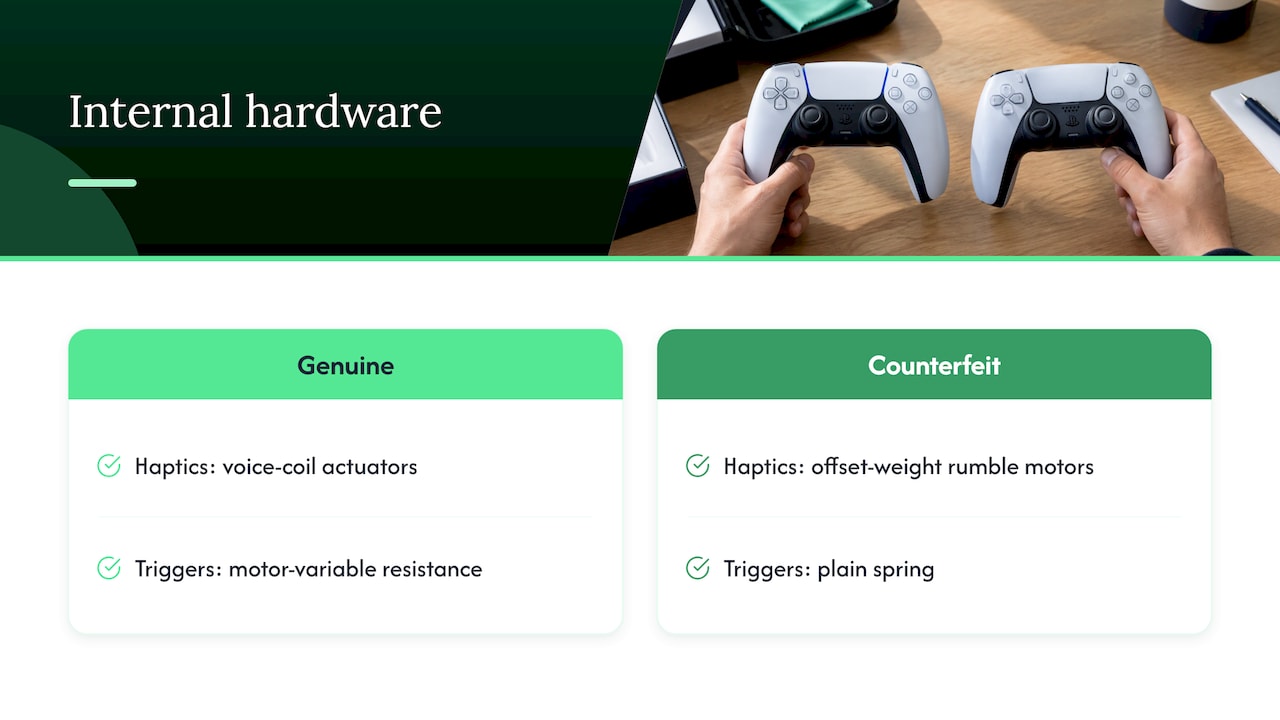
One explanation of why those internals matter: the real controller uses voice-coil actuators, which work like tiny speakers, instead of simple offset-weight rumble motors. Its triggers use motors that add variable resistance. Fakes typically substitute a plain spring and basic rumble, according to OnPSX’s controller guide. That is why the difference shows up in play more than in photos.
The practical takeaway: a good copy can look identical in a listing. Treat any one test as a clue, not a verdict.
Step 1: Read the model number and serial
Turn the controller over. Sony’s DualSense serial and model guide says:
- The model number sits on the back above the QR code. It has 8 alphanumeric characters, for example CFI-ZCT1W.
- The serial number sits below the QR code and has 17 alphanumeric characters.
- The serial can also be viewed on a PS5 under Settings > Accessories > General > Advanced Settings > View Serial Number.
That last route is useful. If the printed serial and the one the console shows do not match, or the console shows nothing, treat the controller as suspect.
What the numbers tell you
iFixit’s DualSense version guide explains that the second digit of the serial gives the hardware revision. Revisions 1 to 5 use model CFI-ZCT1W. Revision 6 uses CFI-ZCT2W. It also notes that serial numbers are not printed on retail boxes, so a box that shows a serial sticker deserves a second look.
A printed label is evidence, not proof. Labels can be copied. Use it to rule out lazy fakes, then move to the checks below.
The FCC ID on refreshed units
Sony refreshed the DualSense with small internal changes. Tom’s Guide reported in 2022 that the FCC ID on the back of first-wave units ends in the number 1, while the redesigned units end in the letter A. If you hold a controller whose ID format looks nothing like either, that is another reason to look closer.
Step 2: Weigh it and handle it
iFixit measured the weight at 278 g for revisions 1 to 3 and 274 g for revisions 4 and 5. Sony’s published spec is approximately 280 g, per OnPSX. A kitchen scale takes ten seconds.
A controller well under that range, one that feels hollow, or one where the battery cannot be felt shifting weight, is a warning. Then handle the parts:
- Buttons: face buttons and the D-pad should feel consistent. Loose, mushy or stiff buttons point to cheaper parts.
- Triggers: the L2 and R2 triggers should build resistance in a smooth range. A flat, springy pull with no resistance changes in games that use adaptive triggers is a bad sign.
- Touchpad: it should click when pressed.
- Sticks: they should rest centered and return cleanly.
- Seams and finish: uneven gaps, rough plastic or a light bar that looks off in color are all signs of a cheap build.
Step 3: Pair it with a PS5
This is the most reliable home test. Sony’s controller support page says a genuine DualSense pairs by connecting it to the PS5 with the included USB cable and pressing the PS button. It pairs with only one PS5 at a time, and device software updates arrive through PS5 system updates or the PlayStation Accessories app on PC. The page also lists a reset button on the back.
After pairing, check these:
- Does the controller appear as a DualSense in the console’s accessory menus? OnPSX lists a controller that does not show up as a DualSense as a counterfeit sign.
- Does it keep a stable wireless connection through a full session?
- Do haptics feel detailed, like distinct textures, rather than one buzzing motor?
- Do adaptive triggers push back in a game that supports them?
Note that the standalone DualSense ships without a USB cable, per OnPSX, so a box that lists one is not a certain fake, but check the cable that comes with a controller before relying on it.
When missing features do not mean fake
Platform limits can mimic fake behavior. Sony’s support page notes that on PC, haptic feedback may need a USB connection and does not work with Mac or mobile devices, adaptive triggers are unavailable on Android, and the built-in mic and speaker work on Windows only when the game supports them. Run your test on a PS5 first so you are judging the controller, not the platform.
Step 4: Check the packaging
OnPSX’s guide lists the packaging signs of a counterfeit: typos, blurry printing and missing regulatory labels. Compare the box against a retail one from an authorized store. Look at the print sharpness on logos, the spelling of every line and the presence of safety and regulatory marks. Sealed boxes with loose, re-glued flaps are worth noting too, especially if the controller is listed as new.
One caution on being too sure: packaging can be faked as well. Use it together with the controller checks above.
Step 5: Judge the seller and the price
Most fakes are caught before the controller arrives. OnPSX advises buying from PlayStation Direct or a recognized retailer, and lists prices far below retail as a main warning sign. It also notes that limited editions attract counterfeit listings, so a new limited-edition pad priced well under its original retail price is a flag. The same guide notes US color variants launched at $74.99, a useful anchor when you compare listings.
A practical checklist for any listing:
- Is the price far below what recognized retailers charge for the same color?
- Are the photos the seller’s own, showing the back label, or stock images?
- Is the item described as new, used or refurbished, and are return terms clear?
- Does the seller have a record of selling the same kind of product?
Real, used, refurbished or fake?
A scuffed controller is not automatically fake, and a clean one is not automatically real. GPADLAB’s used-controller checklist advises confirming the exact model and label, asking what parts were repaired (sticks, battery, port, board) and treating answers without records as unverified. It also points out that refurbished does not automatically mean new sticks or a new battery, so ask what was replaced and tested, and what the return terms cover.
Two habits help:
- Mark anything you could not test as unknown, not as passed.
- Count missing parts, such as a cable, in the total cost.
Stick drift is common on genuine used pads too. If a real controller drifts, that is a wear issue, not a counterfeit sign. Digiwrld’s guide to confirming drift in 60 seconds and what to do next walks through testing and cleaning.
If you already bought a fake
Do not open the controller before the seller dispute is settled. Opening it can complicate a return or chargeback. Instead:
- Photograph the front, back label, box and any printed serial.
- Record what happens when you try to pair it with a PS5, including any error message.
- Contact the seller or the marketplace and open a counterfeit or not-as-described claim through the platform’s buyer protection.
- If you paid by card, ask the card issuer about a dispute if the seller does not respond.
Keep the controller and packaging until the claim closes.
Where to buy a DualSense with less risk
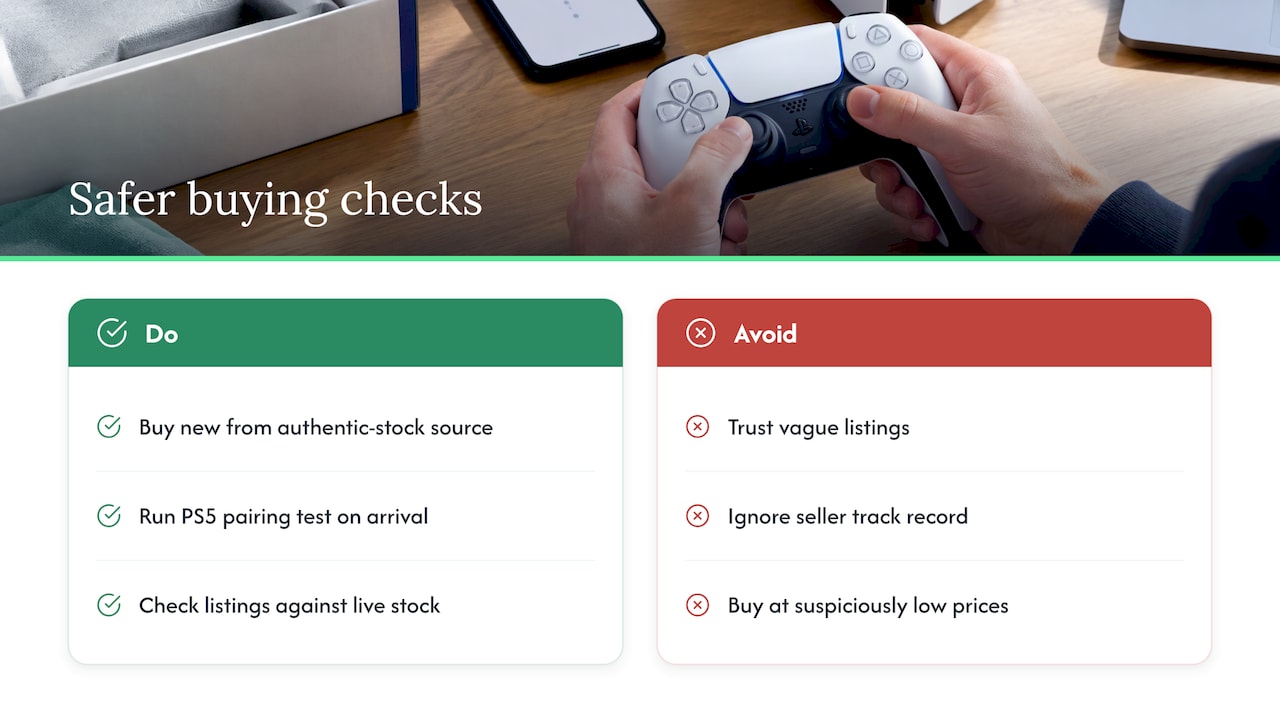
The checks above take time, and some only work after the controller arrives. Buying from a retailer that sells brand new, authentic products shifts the work away from you. Digiwrld lists only products that are in stock through a live inventory system, so what you see is what ships, and its Gaming category sits next to its PS5 consoles: the PS5, the PS5 Digital and the PS5 Pro. Shipping is $12 per item.
For readers in Corpus Christi, TX, Digiwrld also offers house-call device repairs. Mail-in service is available for $10.
Perspective
We sell gaming and tech hardware, and the rule behind our store is simple: a listing should mean the product exists and is brand new. Our live inventory system keeps listings tied to stock, and we sell authentic products only.
Counterfeit controllers thrive where listings are vague. A price that looks too good, photos that show no label and a seller with no track record are the conditions a fake needs. Remove those and most of the risk goes with them.
Our advice for gamers is to buy new from a source that lists only authentic stock, and to run the pairing test on a PS5 the day the controller arrives. We also pair hardware sales with repair and tech services, so a customer who has a console or PC problem has one place to go.
Hayden
FAQ
How can I tell if my PS5 controller is real?
Check the model number above the QR code and the 17-character serial below it, then confirm the serial in the PS5 settings. Pair it by USB, weigh it (about 280 g is Sony’s spec) and feel the haptics and triggers. A genuine DualSense shows up as one in the console’s accessory menus.
Does a low price mean a controller is fake?
It is the most common warning sign. OnPSX lists prices far below retail among its main counterfeit signs, and says limited editions priced well under original retail are especially suspect. Compare against the $74.99 launch price of US color variants.
Can a fake controller work on my PS5?
Some copies work on PC or in limited modes but fail to pair properly, lose functions or cannot update. Sony’s support page says a genuine DualSense pairs with a PS5 over USB and gets updates through the console or the PlayStation Accessories app on PC, so those are the behaviors to check.
Is a used or refurbished controller the same as a fake?
No. A used pad can be genuine and worn. Ask what parts were replaced, what was tested and what the return terms are. If the seller cannot answer, treat the condition as unverified.
Sources
- How to find DualSense wireless controller serial and model number, PlayStation
- Controllers Support, PlayStation
- How to Identify PS5 DualSense Controller Version, iFixit
- New PS5 DualSense controller adds hidden upgrades, Tom’s Guide
- PS5 Controller Guide: DualSense, Edge and Access Compared, OnPSX
- Buying a used controller: what to test before you pay, GPADLAB